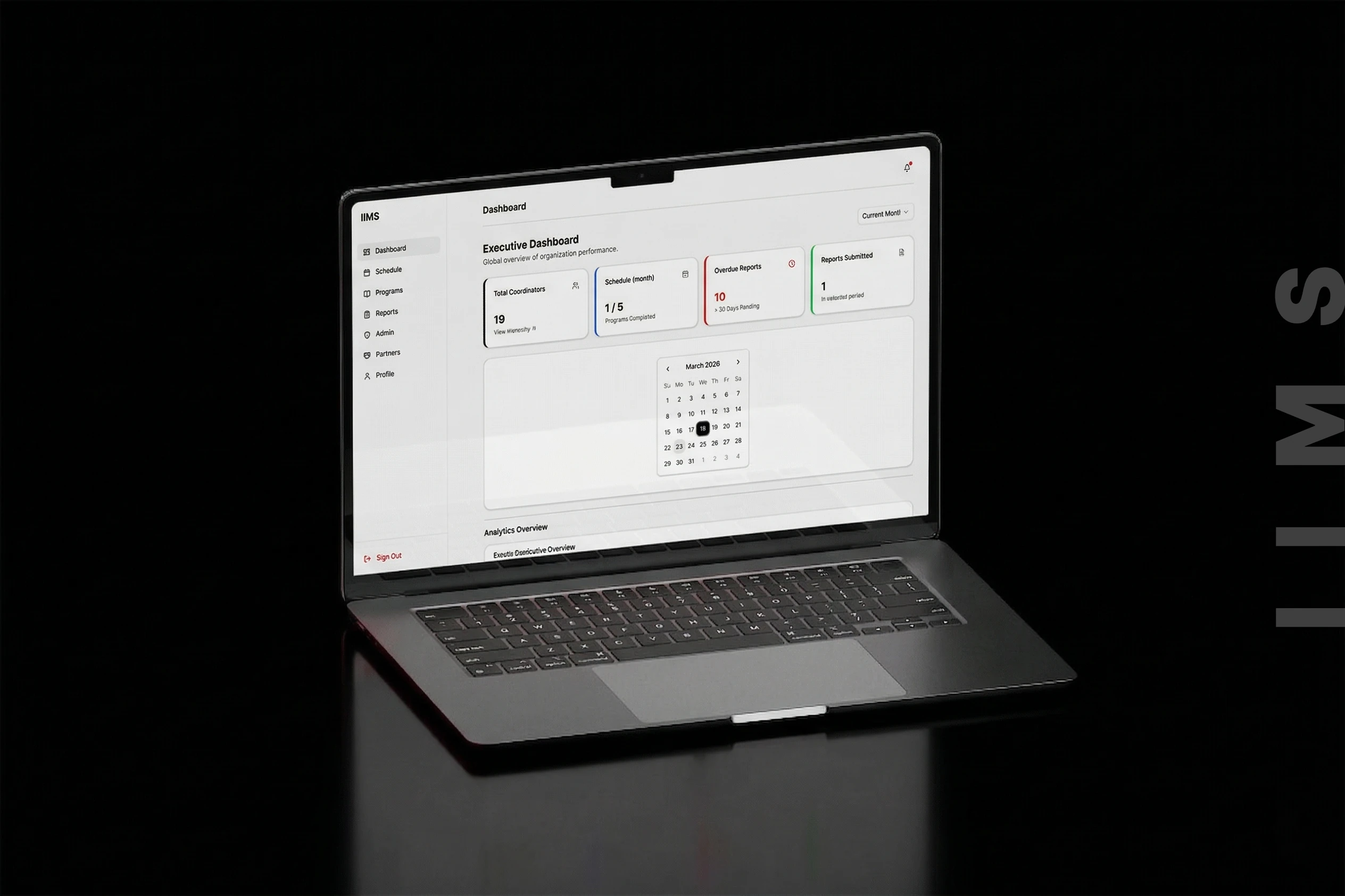
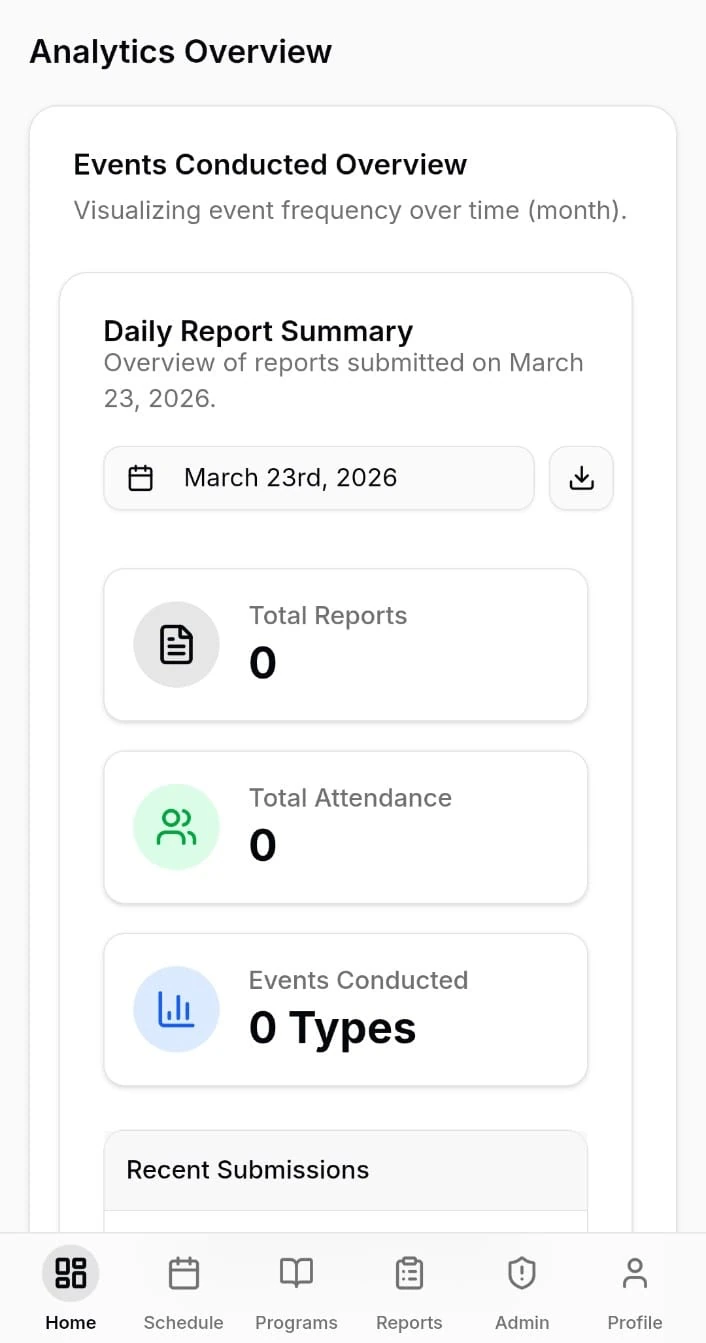
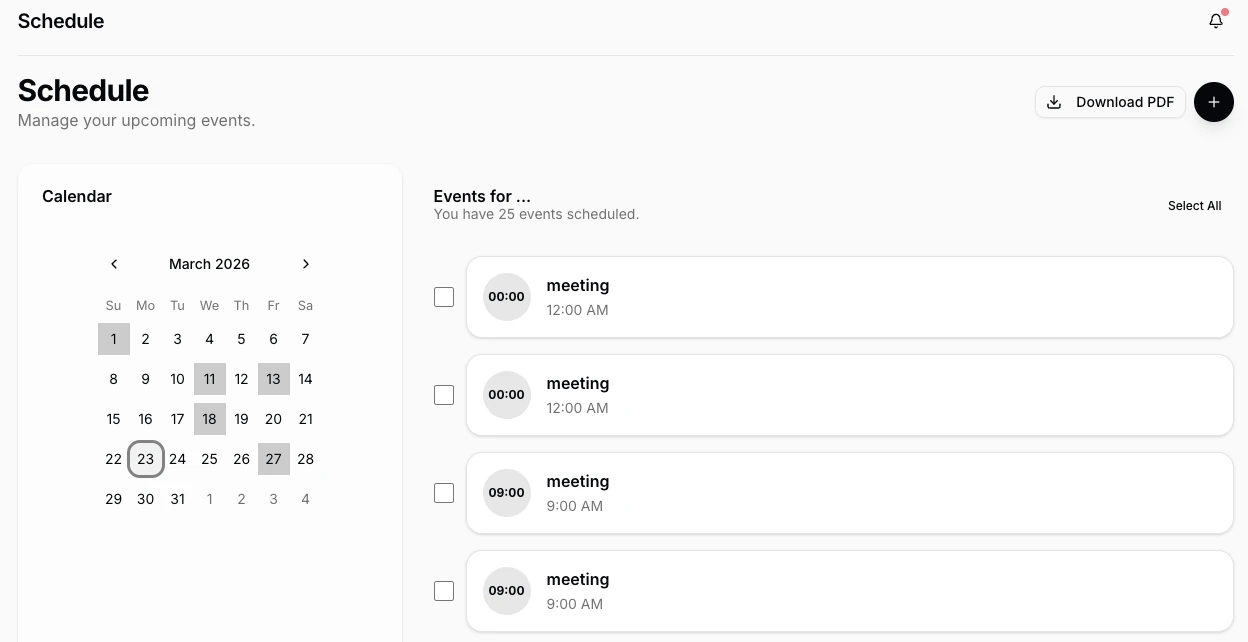
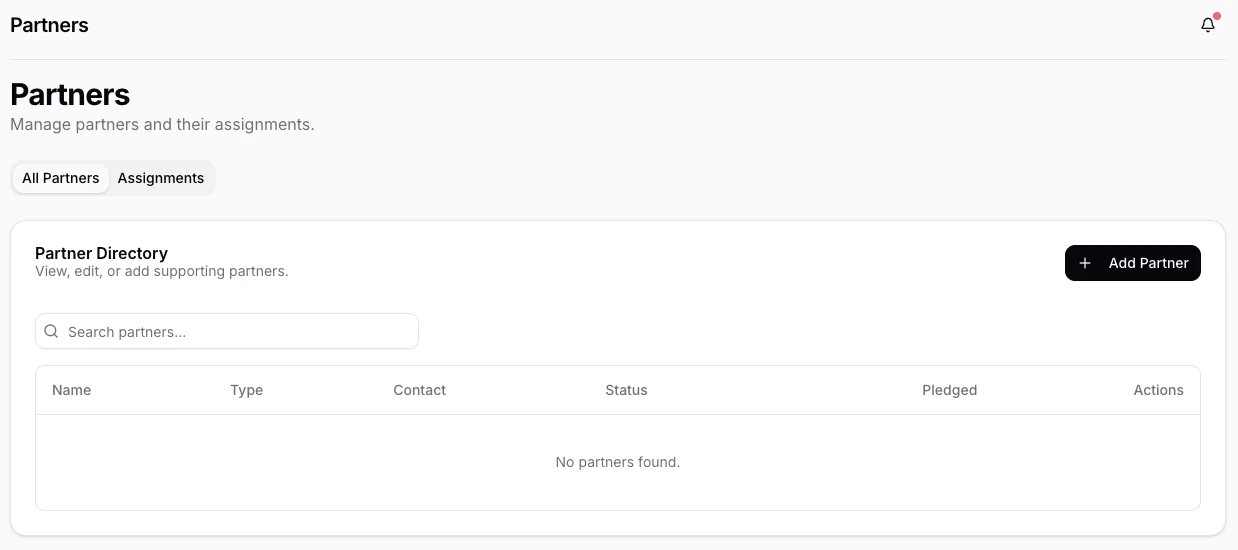
A fully custom Enterprise Resource Planning web application — built from the ground up after months of on-site research. Advanced admin management, real-time program monitoring, intelligent scheduling, and user task allocation at scale.
IIMS (Integrated Institution Management System) is a purpose-built ERP platform designed for a large organisation managing complex, multi-layered operations. No off-the-shelf software could handle their workflows — so we built one that could.
The brief was broad: replace a patchwork of spreadsheets, WhatsApp groups, and disconnected tools with a single, unified web application that every level of the organisation — from ground-level staff to senior administrators — could rely on daily.
The result is a production-grade ERP system handling real-time program monitoring, multi-role user management, dynamic scheduling, task allocation, and deep administrative controls — all designed with the specific language and workflows of this organisation built in.
Before a single wireframe was drawn, the Redmark team embedded themselves in the organisation. We spent weeks on-site — attending operational meetings, shadowing staff, interviewing administrators, and mapping every workflow by hand.
Most ERP failures happen because the software is built for how someone imagined an organisation works, not how it actually does. We made sure IIMS was different.
"The research phase completely changed what we were building. What we thought would be a reporting tool became a full operating system for the organisation."
The organisation was not short on work ethic or expertise. What they lacked was infrastructure. Years of growth had left them with a fragmented operational stack that was actively slowing them down. Every workaround created two more problems.
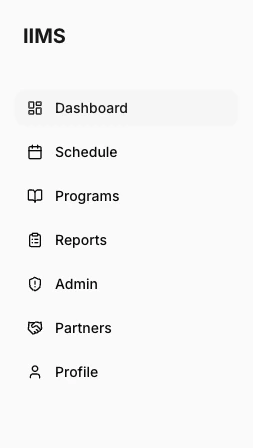
Each module was scoped directly from the research findings — nothing was added speculatively. If a team didn't need it, it wasn't built. If they did, it was built to exactly their specification.
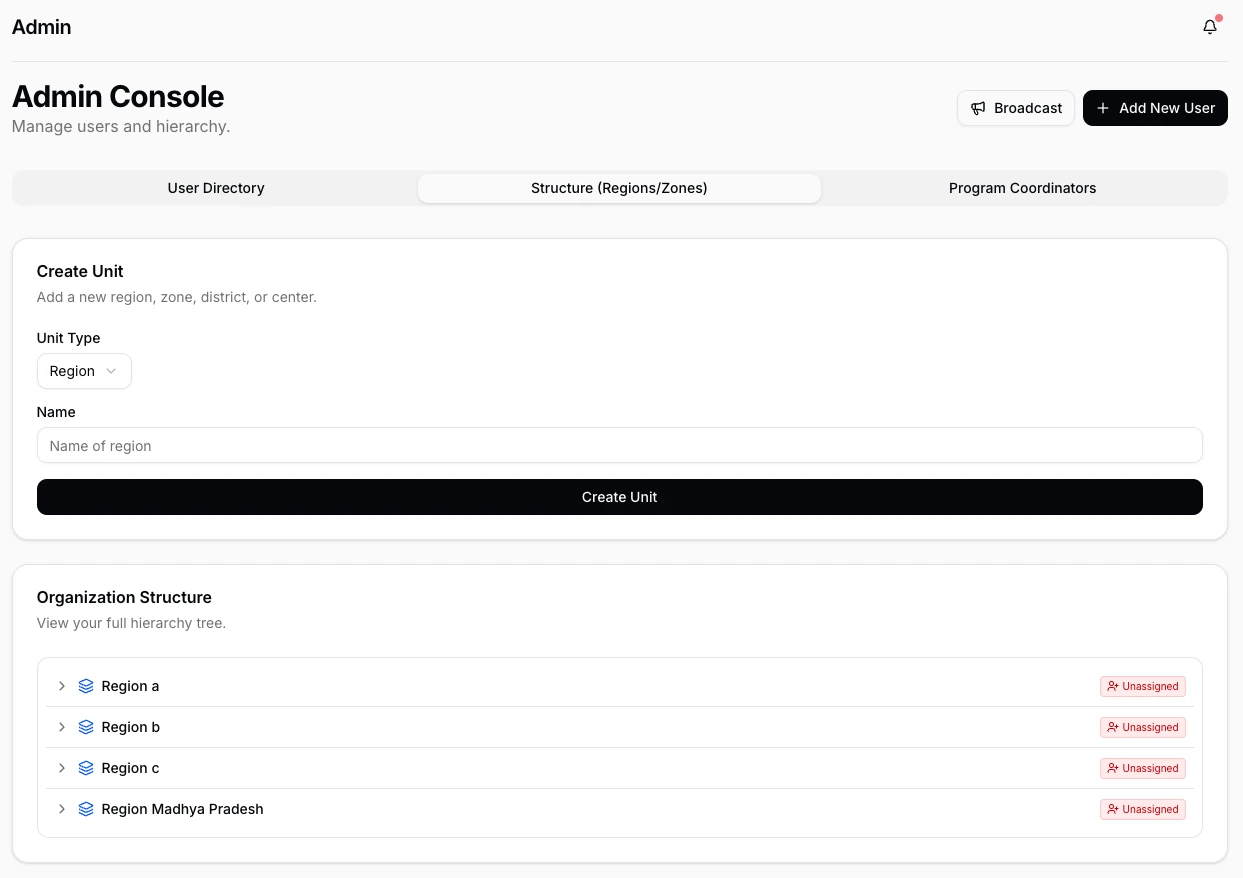
The admin panel was the most complex part of the system to design. It needed to give super-administrators total control without overwhelming them — and provide granular enough permissions to handle a real organisation's political and operational nuances.
The monitoring module was the single biggest operational unlock for senior administrators. Previously, they could only know what was happening on-site by physically being there or waiting for a phone call.
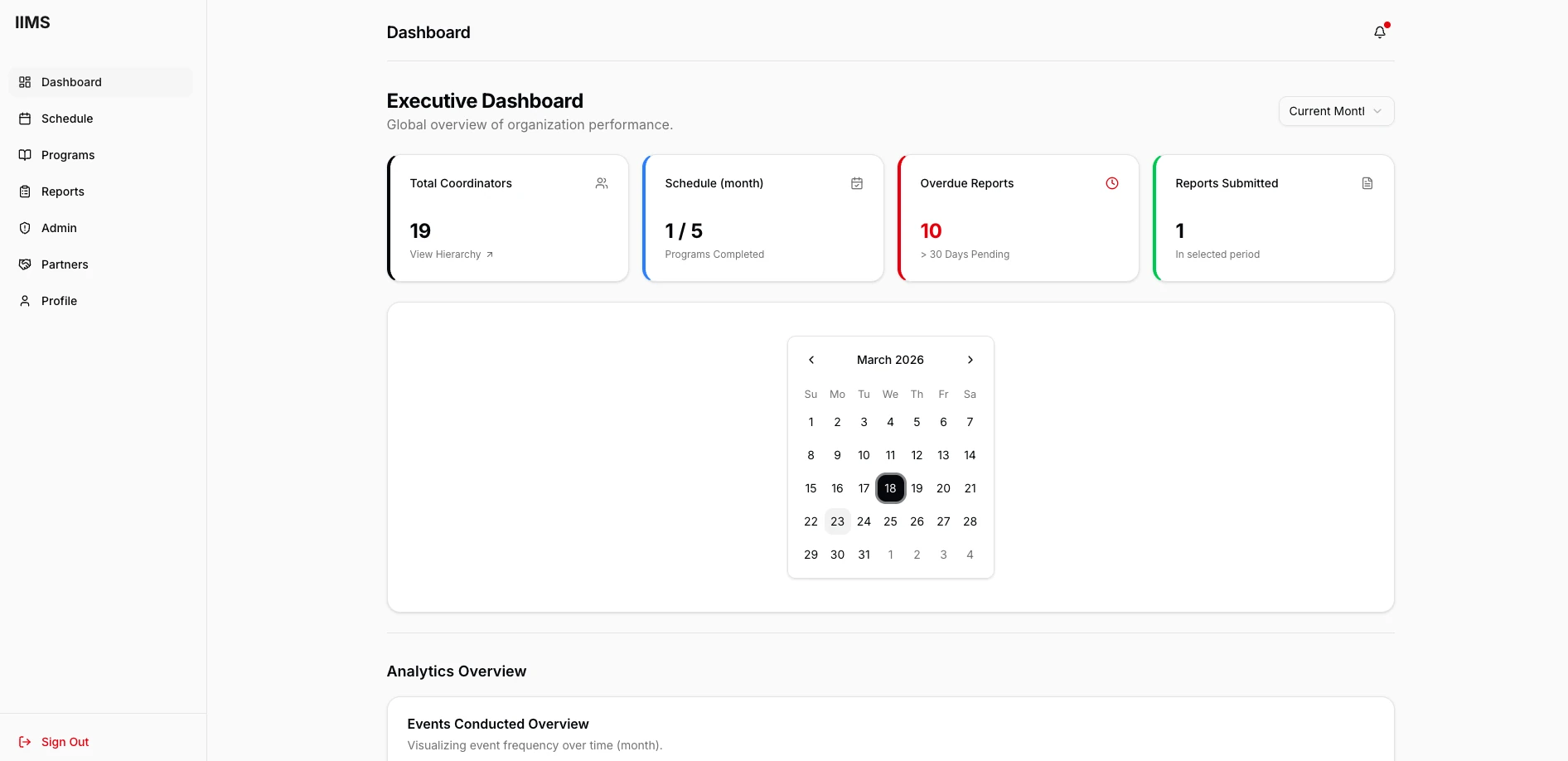
IIMS gives them a live dashboard — programme status, attendance, active participants, flag alerts, and anomaly indicators, all updating in real time. If something is off, the system surfaces it immediately.
We designed three dashboard views: a summary view for executives who need a quick read, a detail view for programme managers who need to act, and a monitoring view for operational staff managing the day-to-day.
Scheduling was the most painful manual process in the organisation. Staff were being assigned to conflicting programmes, rooms were being double-booked, and last-minute changes cascaded into chaos. The scheduling engine in IIMS was designed specifically to eliminate all of that.
The task allocation unit replaced the informal verbal briefings that had been the norm. Every task now has an owner, a deadline, a priority, and a chain of accountability from assignment through to sign-off.
Staff receive in-app notifications when tasks are assigned. They acknowledge, update progress, and complete tasks through the system — giving managers live visibility without needing to ask for updates.
The users of IIMS range from tech-comfortable administrators to field staff who may use a computer only a few times a week. The UX challenge wasn't just complexity — it was designing a system powerful enough for advanced administrative work while remaining approachable for every role.
We ran three rounds of user testing on-site with actual staff, iterating based on what we observed — not what people said in interviews. Real confusion in real situations drove every design revision.
The development of IIMS presented challenges that went well beyond typical web application work. Real-time data sync across multiple user sessions, a permission system with dozens of edge cases, and a scheduling engine that needed to account for complex organisational rules — none of these had off-the-shelf solutions.
We built IIMS on a modern full-stack architecture: a React frontend with a carefully designed component library, a Node.js/Express backend with RESTful APIs, and a PostgreSQL database with a schema designed specifically for this organisation's data model.
Real-time features were implemented via WebSocket connections — the monitoring dashboard and task updates push live to connected clients without manual refresh. The audit logging system was built as a database-level trigger system to ensure nothing could be bypassed at the application layer.
"The real-time monitoring module alone required rebuilding our state management approach three times before it was performant enough. When it finally worked the way the organisation needed, it was worth every iteration."
— Redmark Development Lead
IIMS went live after a staged rollout across the organisation, beginning with the administrative core and expanding to operational staff over a period of four weeks. The transition from the old way of working to the new system took less than a month — largely because the system had been designed around how people actually worked, not how they theoretically should.
"For the first time, we can see what's happening across the entire organisation without picking up a phone. IIMS didn't just give us software — it gave us operational clarity."
IIMS was the most technically demanding project Redmark has undertaken. The combination of a deeply complex domain, a non-technical user base, real-time data requirements, and a client organisation that had very specific (and very valid) ways of doing things made this a genuine UX and engineering challenge from day one.
The biggest lesson: time spent in research is never wasted. Every week we spent on-site before writing a line of code saved us weeks of rework later. The modules that worked best in production were the ones we'd spent the most time understanding in the field.
The permission system was the hardest single design problem. Getting it granular enough to handle real organisational politics, while simple enough that administrators could actually configure it without documentation — that took four complete redesigns before we got it right.
"The hardest part wasn't the code. It was understanding the organisation well enough to know what to build. That's a research problem, not a technology problem."
— Redmark Project Lead